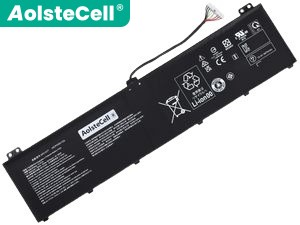
High-grade Battery for Acer Aspire F15 F5-573G-59WF (2600mAh, 4 cells)
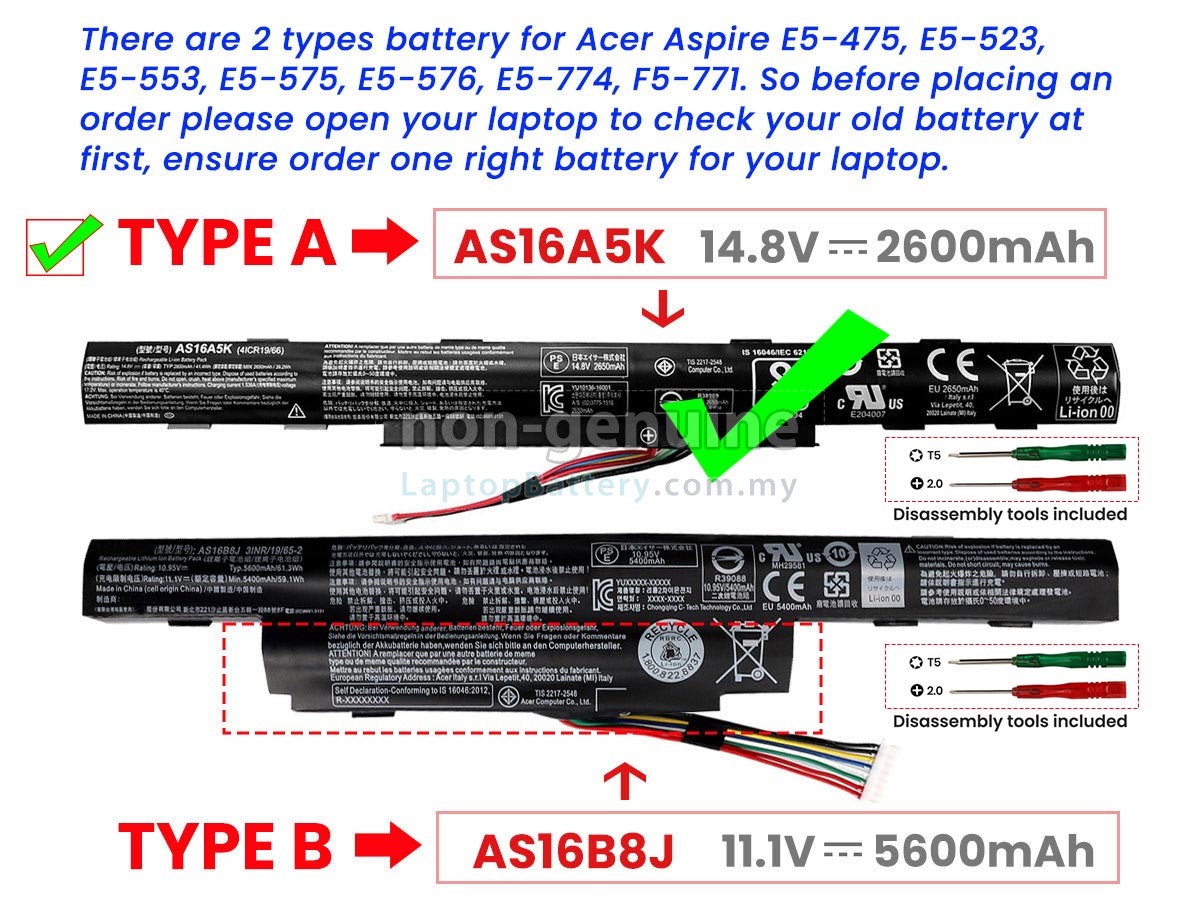
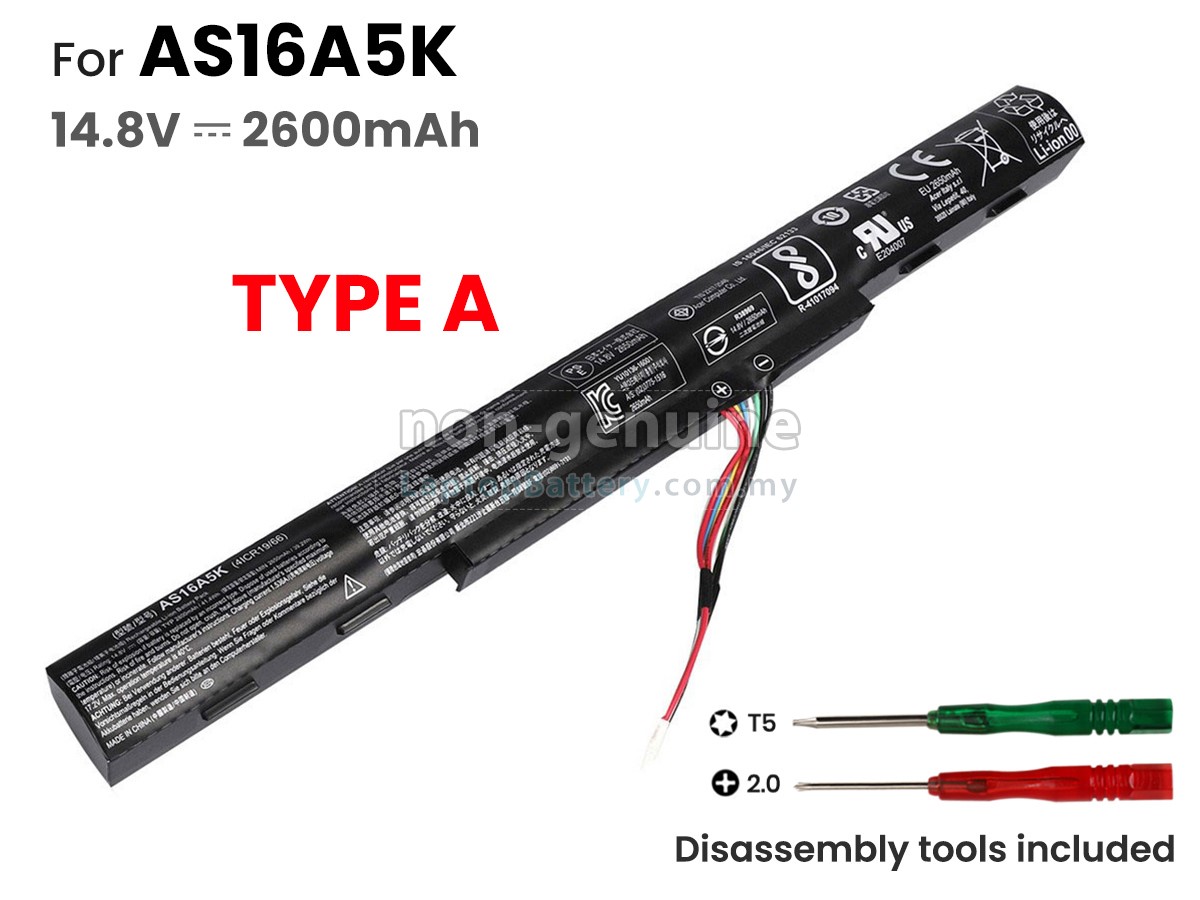
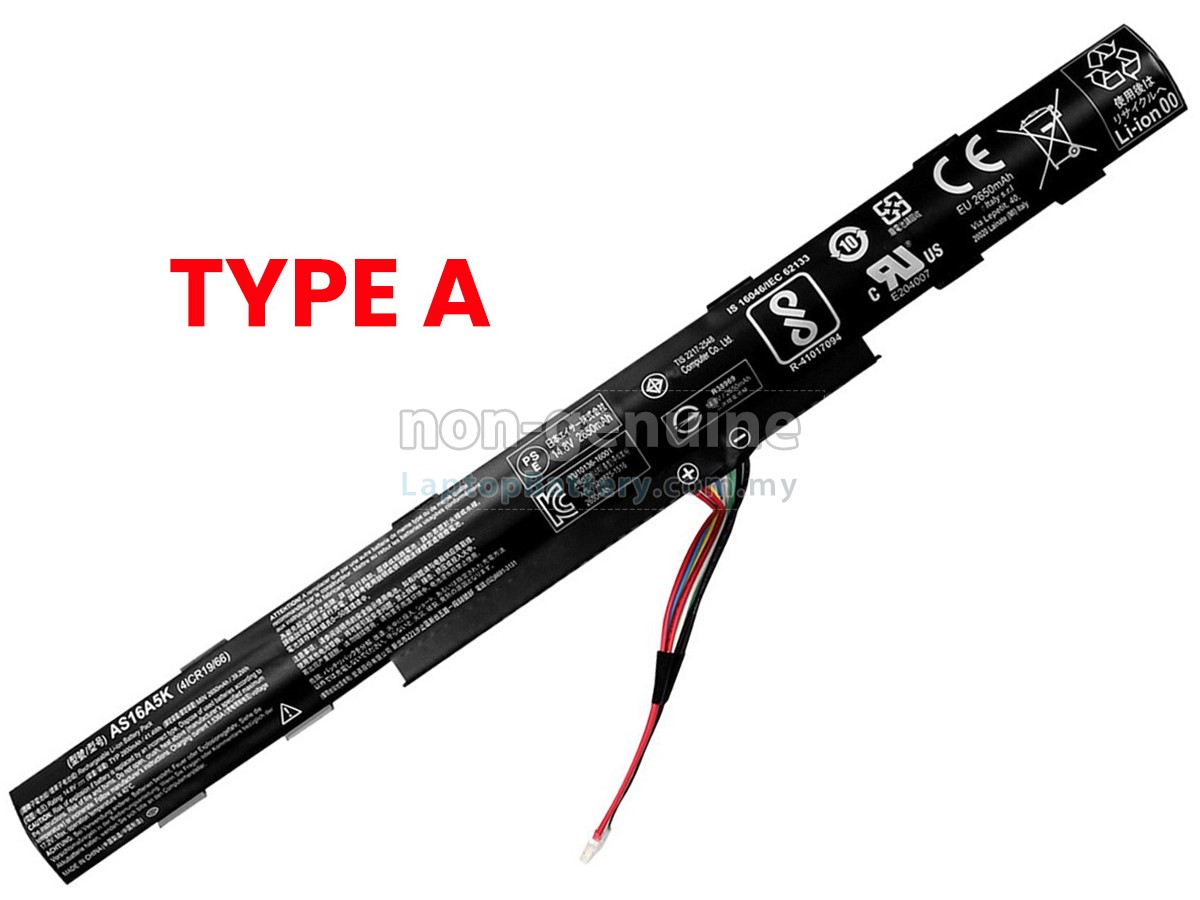
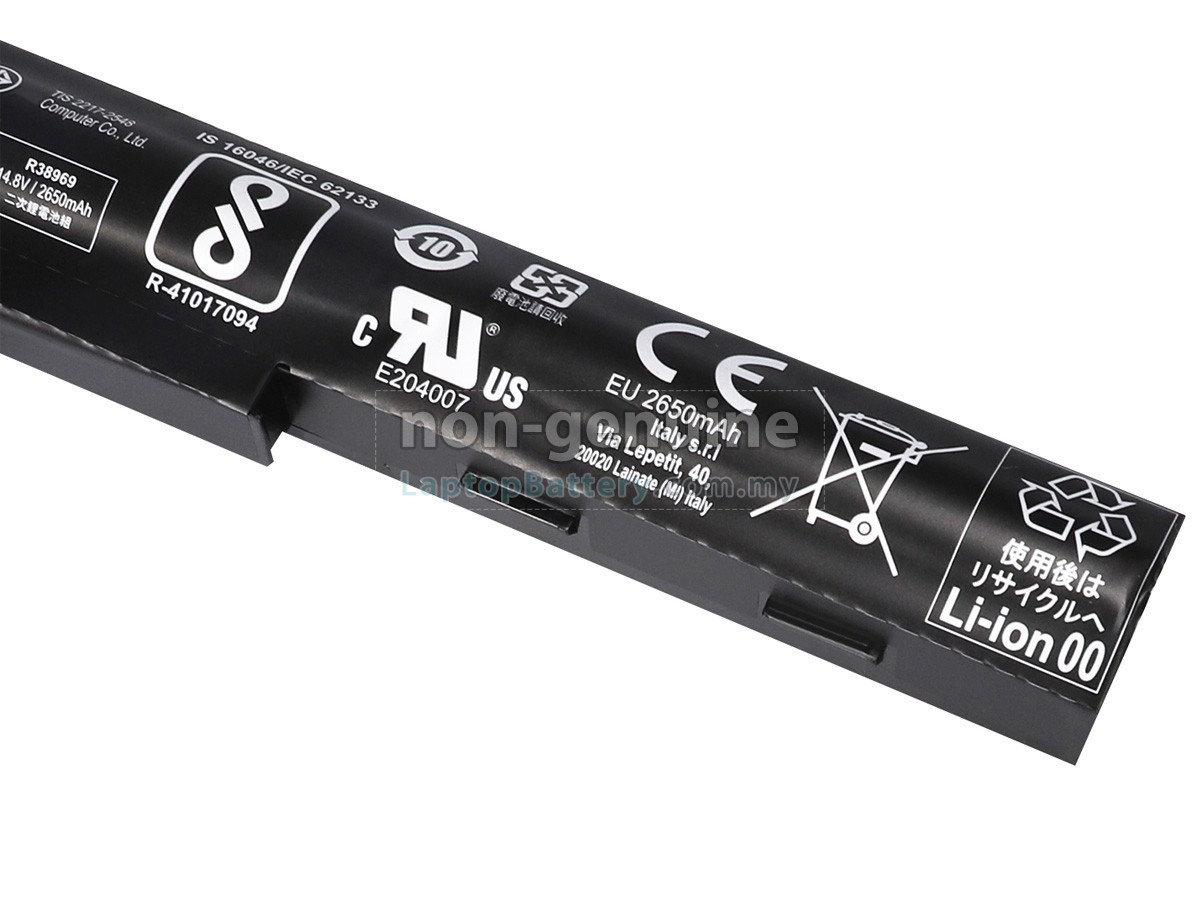
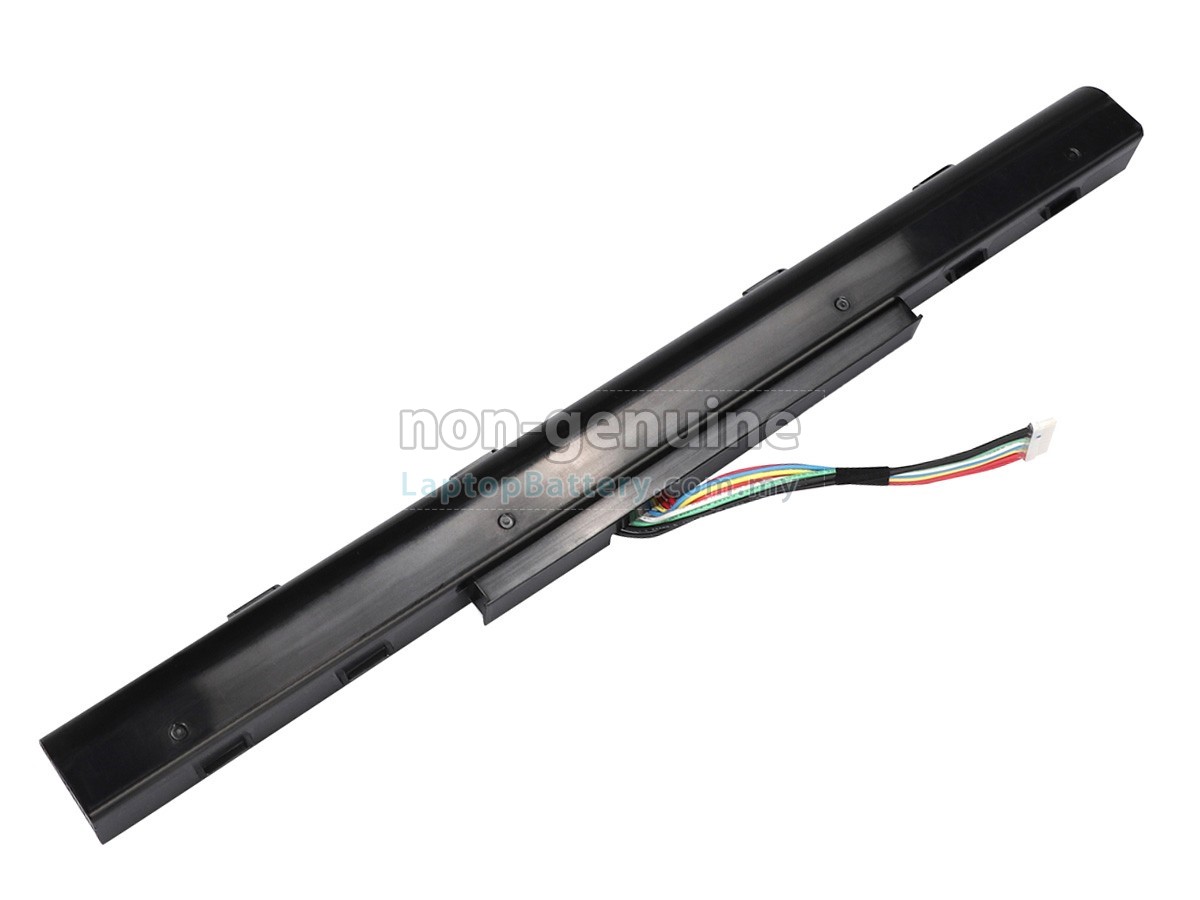
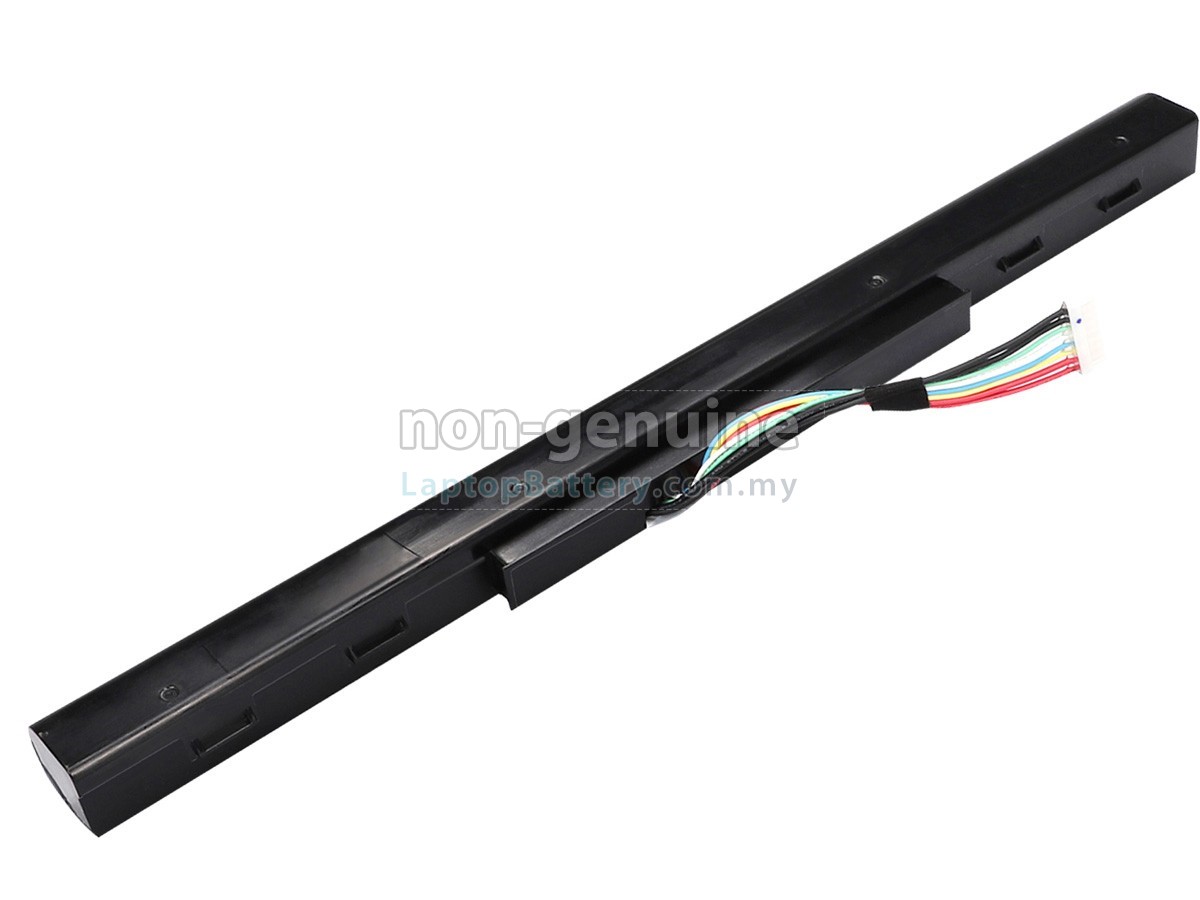
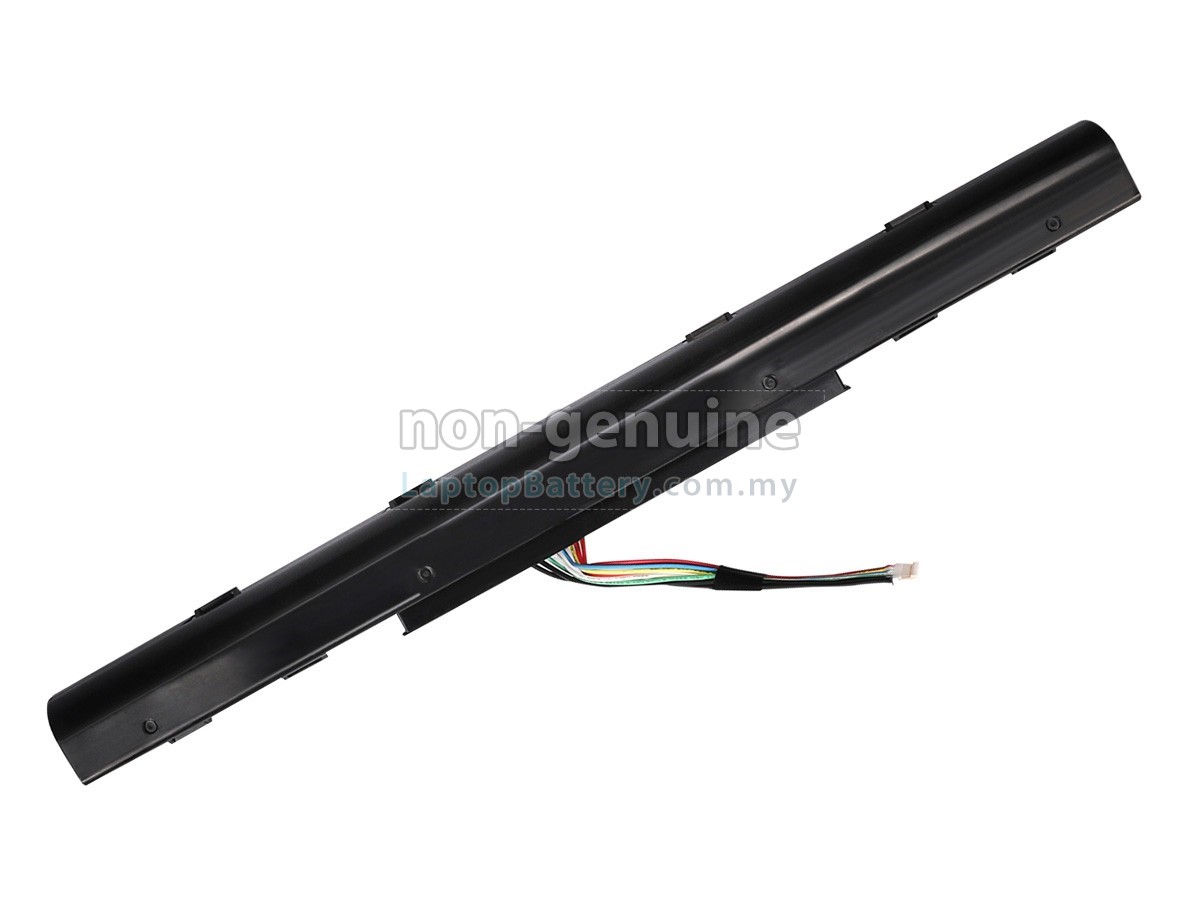
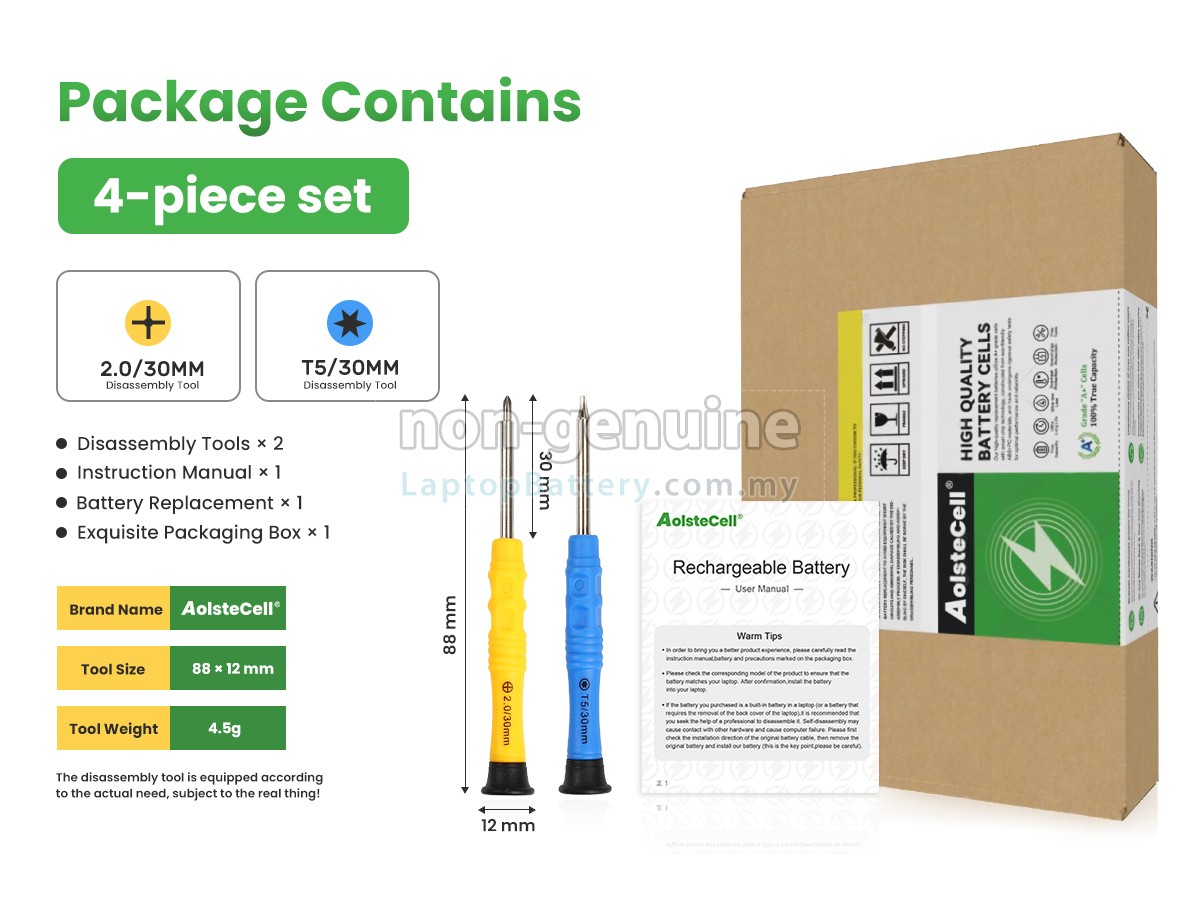
 Before placing an order, please ensure your old battery's model is AS16A5K or AS16A8K (14.8V,2600mAh,4 cell) . If your old battery's model is AS16B5J or AS16B8J (10.8V,5600mAh,6 cell) , please do not order this battery.
- SKUMYL1364
- ConditionReplacement, Brand New
- Voltage14.8V
- Capacity2600mAh
- Number of Cells4 cells
- Cell TypeLi-ion
- ColorBlack
- Size265.00x27.68x19.00mm(L x W x H)
- Warranty1 Year
- AvailabilityIn Stock
High-grade Battery for Acer Aspire F15 F5-573G-59WF (5600mAh, 6 cells)
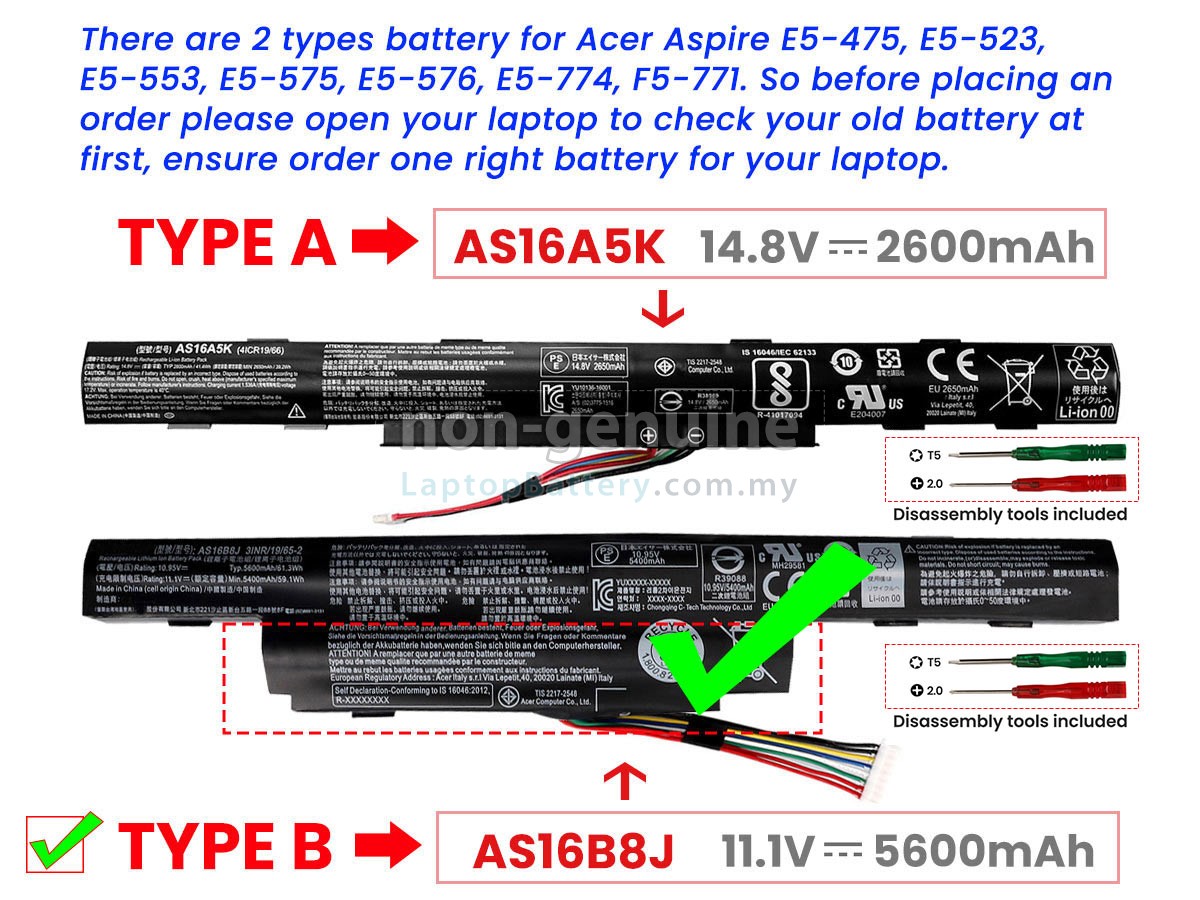


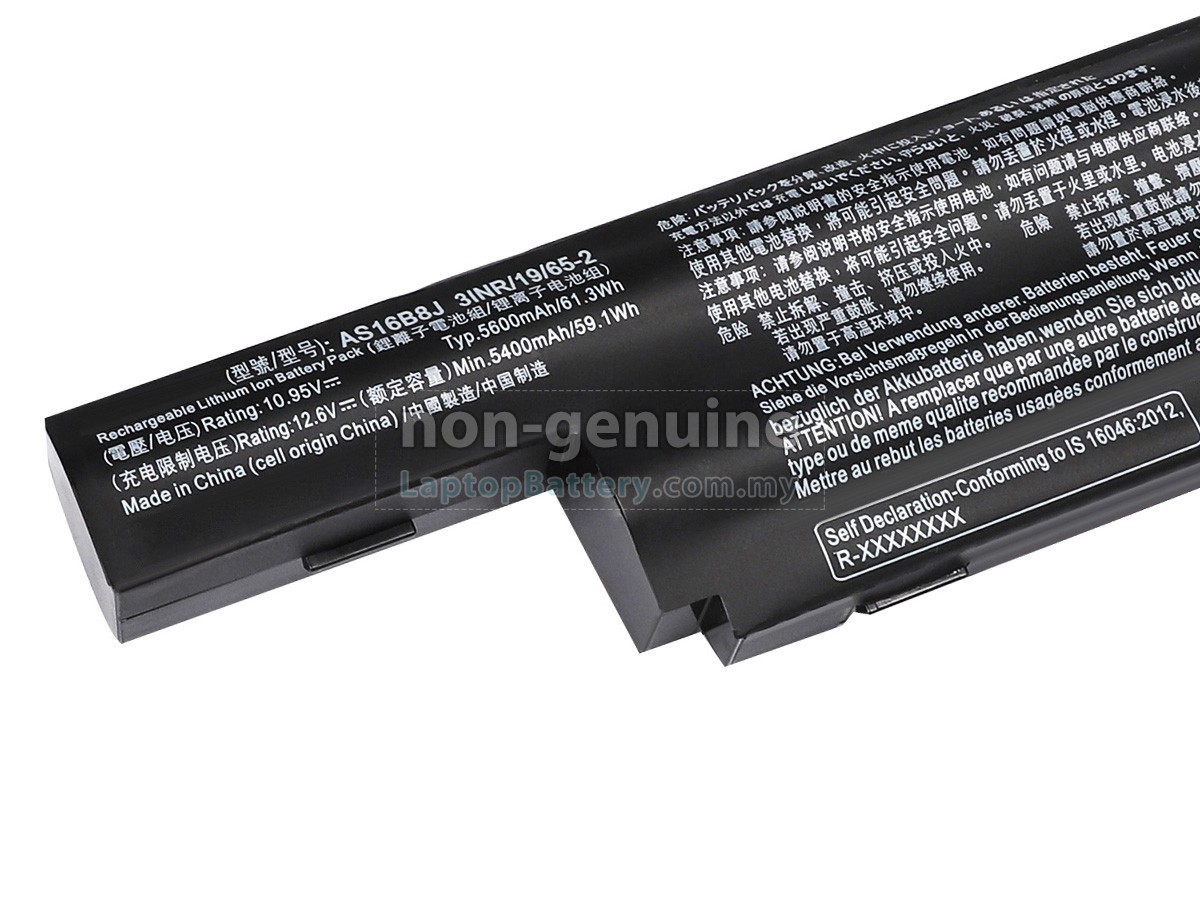
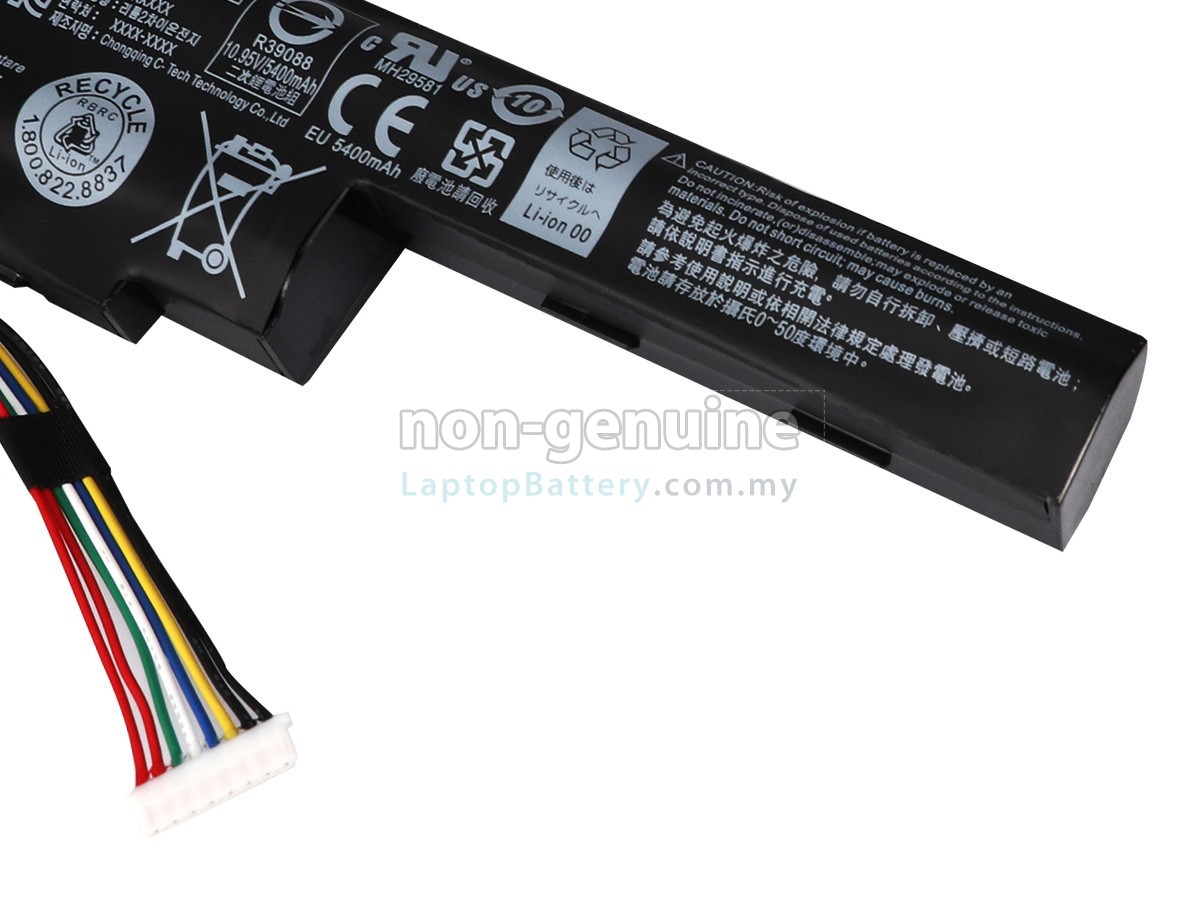
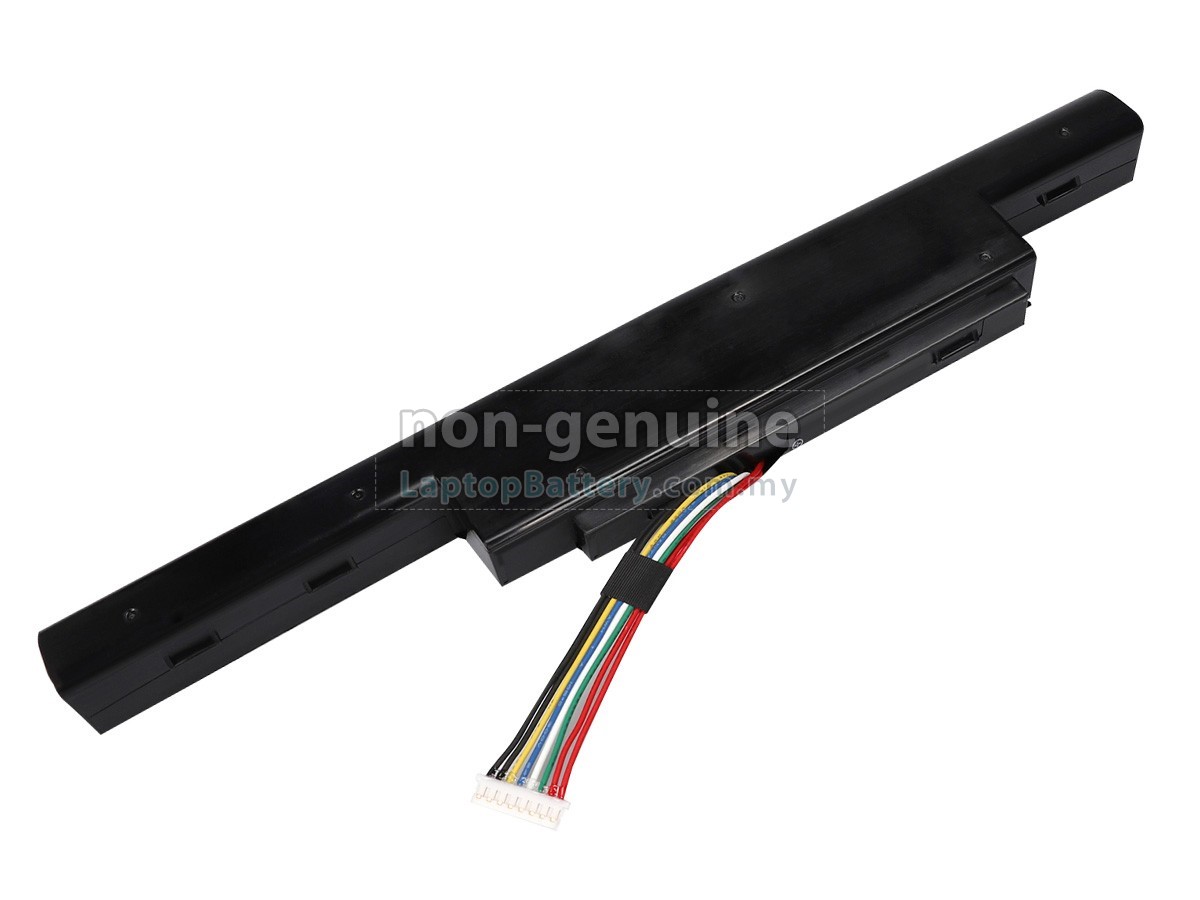 Before placing an order, please ensure your old battery's model is AS16B5J or AS16B8J (10.8V,5600mAh,6 cell) . If your old battery's model is AS16A5K or AS16A8K (14.8V,2800mAh,4 cell), please do not order this battery.
- SKUMYL705
- ConditionReplacement, Brand New
- Voltage11.1V
- Capacity5600mAh
- Number of Cells6 cells
- Cell TypeLi-ion
- ColorBlack
- Size265.00x47.50x19.40mm(L x W x H)
- Warranty1 Year
- AvailabilityIn Stock
Product Features
Superior Quality,Favorable Price
Our Website is your source of high-grade Acer laptop batteries! This brand new 2600mAh(4 cells) replacement Acer Aspire F15 F5-573G-59WF Li-ion battery is made with high-grade cells from Samsung, LG and Panasonic to ensure maximum performance. The housing of the Acer Aspire F15 F5-573G-59WF battery pack is made of non flammable and very durable plastic, which is fire-retarded and nonperishable when dropped from low heights.
We are a distributor specializing in replacement laptop batteries. Through our direct relationships with the manufacturers overseas and logistics centers across the country, we can deliver high-grade replacement products to your door at the most affordable prices.
100% OEM Compatibility , International Standards
All our high-grade replacement batteries for Acer Aspire F15 F5-573G-59WF laptop have been tested to prove that they can match or surpass original Acer battery performance and fit with Original Manufacturer's Specifications. In compliance with international standards, they obtain a series of rigorous safety certifications such as CE, UL, ROHS, ISO9001/9002. In general, this replacement Acer Aspire F15 F5-573G-59WF battery can be charged/discharged up to more than 600 cycles.
Multiple Intelligent Protection
- ESD PROTECTION
- OVER HEAT PROTECTION
- POWER PROTECTION
- CURRENT PROTECTION
- OVER DISCHARGE PROTECTION
- ELECTRO-MAGNETIC
- VOLTAGE PROTECTION
- OVER CHARGE PROTECTION
- SHORT CIRCUIT
- INTELLIGENT PROTECTION
- CHARGING TIME PROTECTION
- CLASS A PROTECTION
Buy with Confidence!
Product Larger Images
Compatible Acer Part Numbers
Compatible Acer Laptop Models
- aspire f15 f5-573g-59wf
- Aspire F15 F5-573-37HA
- Aspire F15 F5-573-55W1
- Aspire F15 F5-573-70LX
- Aspire F15 F5-573G-39RT
- Aspire F15 F5-573G-52MK
- Aspire F15 F5-573G-53WW
- Aspire F15 F5-573G-56KD
- Aspire F15 F5-573G-57CZ
- Aspire F15 F5-573G-719X
- Aspire F15 F5-573G-751K
- Aspire F15 F5-573G-77EQ
- Aspire F15 F5-573G-780N
- Aspire F5-573-315B
- Aspire F5-573-37HA
- Aspire F5-573G-50KS
- Aspire F5-573G-50L6
- Aspire F5-573G-51BD
- Aspire F5-573G-5492
- Aspire F5-573G-58CJ
- Aspire F5-573G-73L3
- Aspire F5-573G-749W
- Aspire F5-573G-76KL
- Aspire F5-573G-77EQ
- NX.GDLSM.002
Shipping Methods

Payment Methods

Warranty
1-Year Warranty
All our high quality replacement batteries for Acer Aspire F15 F5-573G-59WF laptop come with a 1-year warranty. Warranty is applicable if the buyer has installed the battery properly in the device and has treated the battery correctly.
30-Day Money Back Guarantee
Our goal is to turn customer satisfaction into ‘Complete Customer Satisfaction’. That's why we offer you a 30-day money back guarantee, on top of our warranty and RMA procedure for defects!
Please note: in order to qualify to get your money back, you must first contact us and await instructions before sending back your product.
Returns
If you have a problem with one battery which bought from us, please contact us first. We will process your request and try to find a solution for your problem. If the problem cannot be fixed by our technical support engineer, we will generate an RMA number (Return Material Authorization) for you. If inspection concludes that the returned battery is defective, a new battery will be shipped out without extra charge.
Please note: we cannot process returned batteries if you have not yet received an RMA number.
FAQs
A:First, find out the part number of your old battery or the model name of your laptop (e.g. 'Acer Aspire F15 F5-573G-59WF') and then match with our product compatibility table. Second, please compare your old battery with our product images to make sure their shapes are the same. Finally, check the voltage (rating) is the same as the old one. For more details please click How to find one correct battery for my laptop?
A: Generally speaking, it will not cause any damage without removing battery when you connect the power supply. Because the battery will not be charged anymore after it is fully charged. Oppositely, it will turn to the use of power supply system. However, when your notebook has run for a long time at high speed, you’d better remove your battery out of your laptop owing to the internal overheating. Otherwise, it is harmful.
A: There is no need to charge your new Acer Aspire F15 F5-573G-59WF battery for 12 hours for the first time use, because lithium-ion battery has no memory effect. So you only need to charge and discharge it normally. What’s more, you should avoid exhausting the battery power and then recharge, because it will bring a lot of damage to your battery. Therefore you have to charge it when remaining power nearly 10-20%. By the way, if your battery has not been used for a long time, please charge it once a month, keep the remaining power about 50% and then store it in a dry and cool environment.
1 Turn your Acer Aspire F15 F5-573G-59WF laptop over.
2 Find out the laptop battery release button lock.
3 Press the battery release button, gently pull the battery out of the laptop.
4 Insert the battery into the slot. Push your Acer Aspire F15 F5-573G-59WF battery to the laptop and secure it in place.
1 Tweak Your Built-In Power Saving Options.
2 Adjust the brightness of your laptop display as much as possible within an acceptable range.
3 Disable unnecessary programs that draw energy from your notebook.
4 Keep your laptop and battery in a cool dry place (heat may destroy a battery).
5 Avoid Full Discharges.
Best Selling Batteries
Popular Products